Unlocking Submagic for Startups: Dynamic Captions for Growth
Captions are the new hook—and most brands are leaving money on the table
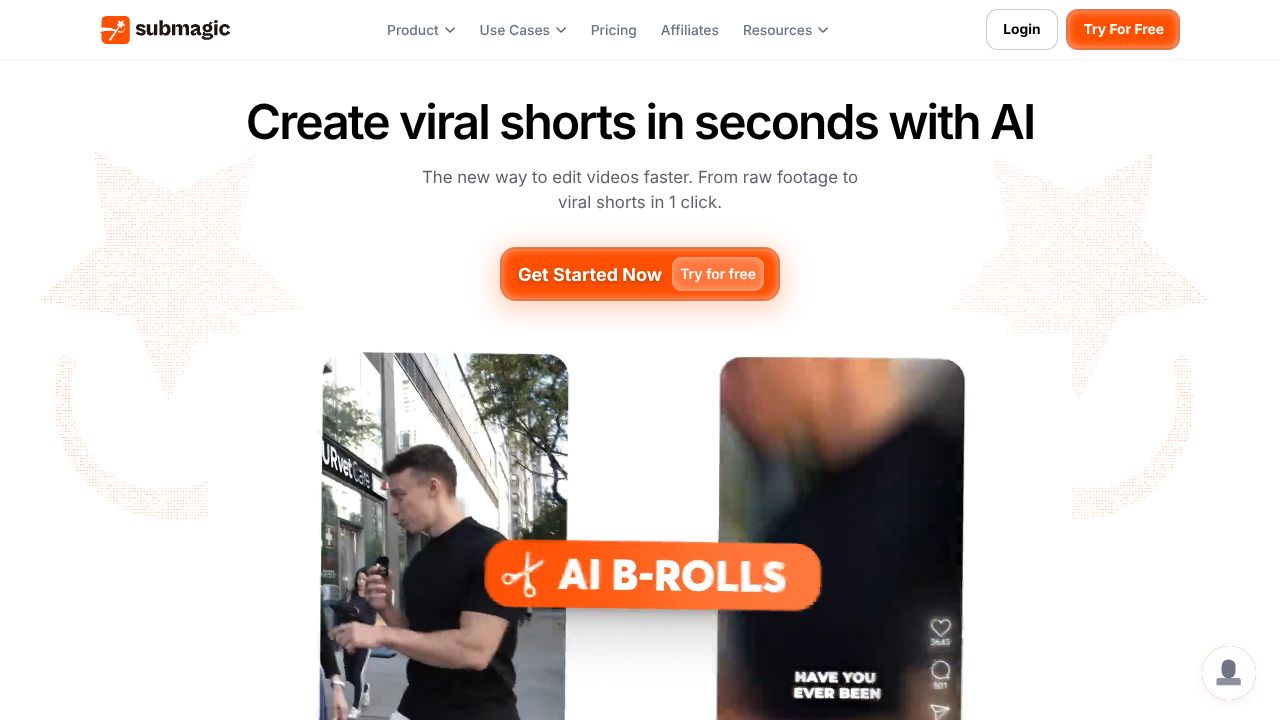
Submagic turns subtitles into a growth lever for short-form video. It uses AI to auto-time, style, and animate captions so they feel native to TikTok/Reels and keep thumbs from swiping. For founders and marketing leads fighting an attention tax, this is a small, surgical investment that compounds: higher retention, more completes, better distribution. Bottom line: if your video strategy doesn’t prioritize dynamic captions, you’re optimizing for cost, not outcomes.
The Business Case
In my 15 years, the cheapest acquisition wins have always come from conversion at the edges—tiny deltas in retention that cascade into outsized distribution. Short-form algorithms reward watch time and completion far more than production gloss. Submagic focuses on the single most leverageable element you’re likely under-utilizing: captions that match rhythm, emphasis, and emotion. This is not a generic “add subtitles” play; it’s about stylization engineered for retention.
At $16/month with a free trial, the cost is trivial relative to impact. Model it: if a channel does 200K monthly impressions with a 22% average watch-through and Submagic lifts completions by a modest 8–12% (achievable in my experience when moving from static to dynamic captions), you increase downstream reach by double digits without adding headcount or media spend. That means more qualified followers, lower CAC on content-led funnels, and faster learning cycles per edit. For bootstrapped teams, that’s the exact kind of compounding flywheel you want.
Key Strategic Benefits
- →
Operational Efficiency: Submagic auto-times and styles captions to the beat, reducing manual keyframing and rework. Your editor can move from “captioning” to “storycraft,” producing more iterations per sprint and faster A/B tests on hooks.
- →
Cost Impact: Replacing manual captioning or agency markup with automated, on-brand templates cuts per-asset costs. Even a small lift in retention improves organic reach, which defers paid amplification and lowers blended CAC on creator-led channels.
- →
Scalability: Templates and font packs allow you to codify brand voice across creators and contractors without slowing them down. Export to multiple formats lets you repurpose edits across TikTok, Reels, Shorts, and LinkedIn without format drift.
- →
Risk Factors: Over-stylization can distract from message or skew accessibility; set guardrails on readability, contrast, and emoji density. Submagic won’t fix weak hooks—treat it as a multiplier, not a crutch. Confirm workflow compliance for data privacy if you handle sensitive or embargoed assets.
Implementation Considerations
Stand up a 2-week pilot. Day 1: define brand caption templates (fonts, color, emoji policy, size/placement for safe areas). Day 2–3: integrate into your edit pipeline—assign a single owner (video lead or growth PM) and document a lightweight checklist: hook selection, caption style, export presets, and per-platform QA. Week 1: run split tests on 6–10 videos, pairing Submagic-stylized captions vs. your current baseline on identical scripts. Track watch-time, 3-second hold, completion rate, and saves/shares.
Resource-wise, this is a low-lift deployment—no engineering work, minimal training. Ensure your storage/sharing flow (Drive/Dropbox/Frame.io) is compatible and that editors have rights to upload and export across formats. Change management is about standards: codify do’s/don’ts (max 2 emojis per line, >14pt font, color contrast ratio), and make one person accountable for weekly analytics. Expect meaningful learning within one content cycle, with full rollout by week three if metrics clear your pre-set threshold.
Competitive Landscape
You have options. CapCut’s native auto-captions are free and fast but limited in brand stylization and nuanced timing for emphasis (https://www.capcut.com). VEED offers robust captioning and team collaboration, but its broader toolset can slow editors who just need high-impact subtitles (https://www.veed.io). Descript excels at script-first editing and transcription; its captions are solid, though not as hook-centric for short-form (https://www.descript.com). Kapwing sits between editor and content factory with workable captions for social teams (https://www.kapwing.com).
If you want third-party comparisons, see Zapier’s round-up of subtitle tools (https://zapier.com/blog/best-subtitle-generators/) and G2’s video captioning category for peer reviews (https://www.g2.com/categories/video-captioning). What others won’t tell you: most suites treat captions as a checkbox; Submagic treats them as the product—dynamic, stylized, and biased toward watch-time lifts.
Recommendation
Greenlight a 14-day Submagic pilot. Set a success criterion: ≥8% lift in completion rate and ≥5% lift in saves/shares versus your baseline. Assign a single owner, create 2–3 brand-safe templates, and test across 10 comparable videos. If thresholds are met, roll out to all short-form outputs and retire manual captioning. If not, default to CapCut for cost efficiency or evaluate VEED/Descript for broader workflows—keep the discipline of testing, not guessing.